Easy to override
When the escape hatch is on the same screen, it is easy to tap through in a tired moment.
Deefoc turns focus into a physical action. Tap your iPhone to a Deefoc Key to block distracting apps, then tap the same Key again to unlock.
Deefoc adds a small physical step between an impulse and an unlock. The point is not punishment; it is friction you can feel.
When the escape hatch is on the same screen, it is easy to tap through in a tired moment.
Deleting an app can help for a while, but it does not create a repeatable focus ritual.
A visual nudge can fade into the background when the habit is already strong.
Starting and ending focus requires the same Deefoc NFC Key, making the boundary tangible.
Deefoc keeps the experience focused: choose what to block, link a physical Key, then use the same Key to start and end a session.
Select distracting apps using Apple Screen Time controls.
Scan a linked NFC Key to start Deep Work, Sleep, Study, or Family Time.
The Key that started a session is the Key required to end it. Wrong Key stays locked.
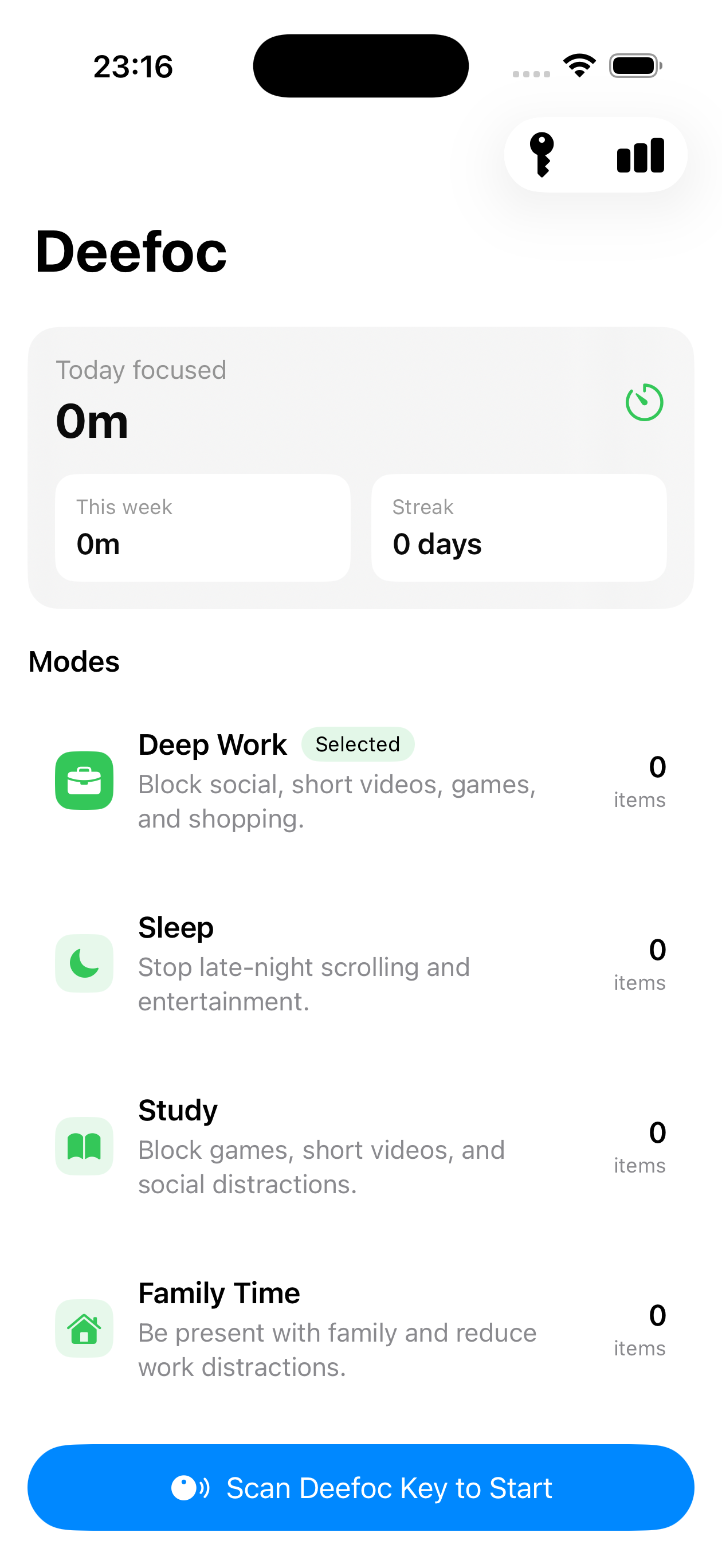
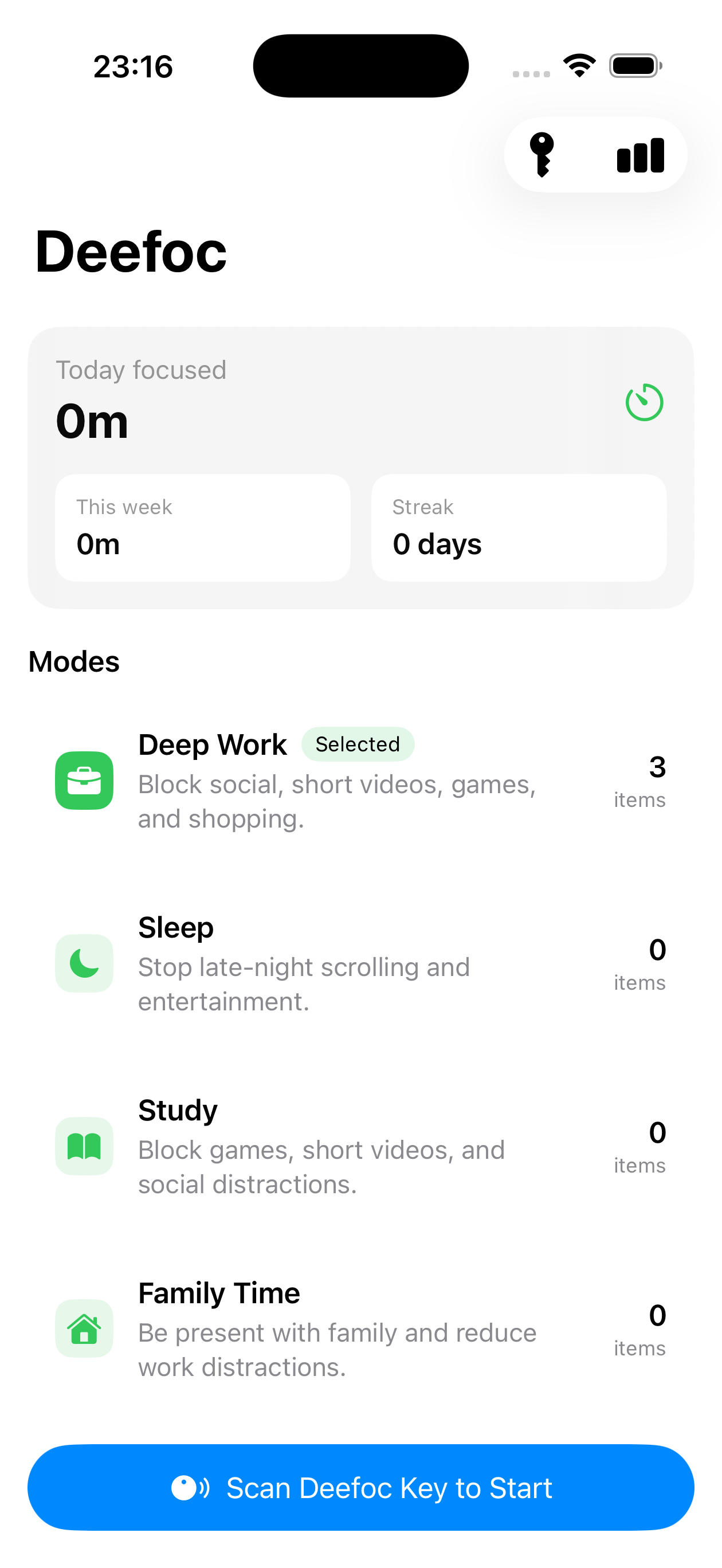
Deefoc comes with focused modes for work, sleep, study, and family time.
Block social, short videos, games, and shopping while you work.
Stop late-night scrolling and keep entertainment out of bedtime.
Keep games, short videos, and social distractions away from study blocks.
Reduce work and social noise when you want to be present at home.
The app focuses on the core loop instead of adding account setup, subscriptions, or admin controls between you and a focus session.
Deep Work, Sleep, Study, and Family Time are ready on first launch.
Read a Deefoc Key in the foreground, or open the app by tapping a Deefoc NFC Key.
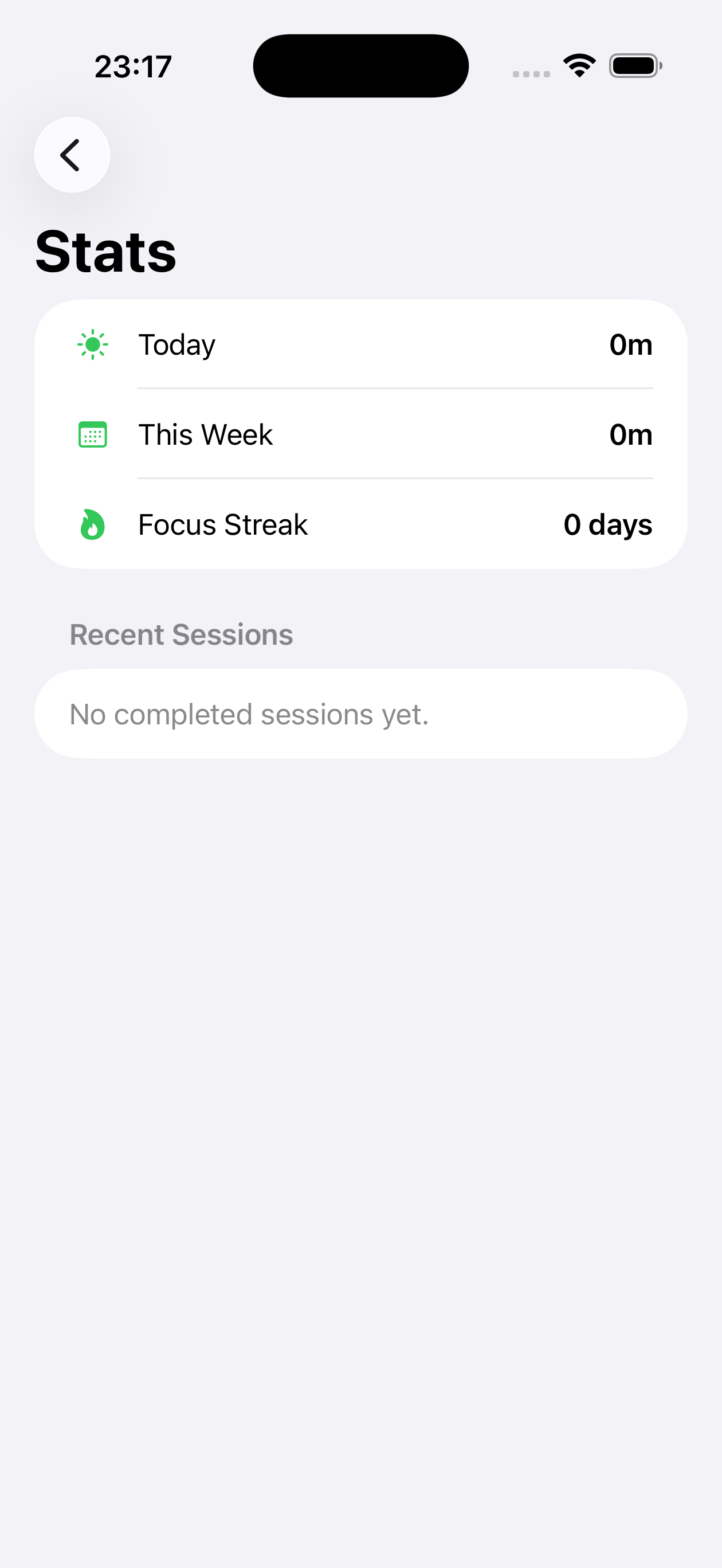
Track today, this week, streaks, and recent completed focus sessions.
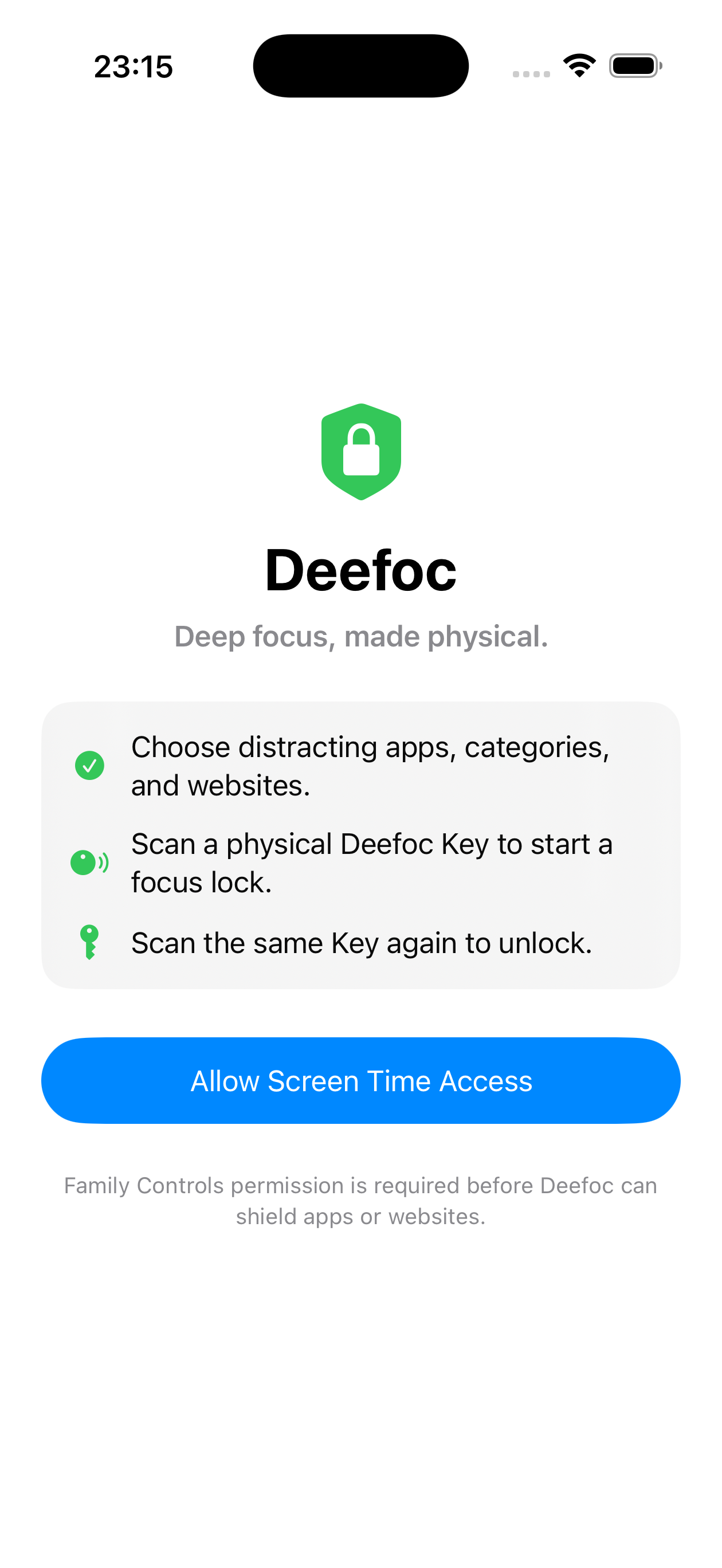
Deefoc uses Apple's Screen Time APIs and keeps focus setup local-first. It does not need to read the full list of apps on a device.
The app only works with apps selected by the user through Apple's Screen Time picker.
Usage metrics should be handled with explicit, minimal foreground analytics rather than a battery-draining background monitor.
Focus modes, keys, and sessions can work without creating a user account.
No. Deefoc uses the NFC reader built into supported iPhones. You only need a Deefoc NFC Key.
iOS does not allow silent background app locking from a tag scan. A Deefoc NFC Key can open Deefoc, and the app runs the lock or unlock flow from there.
The same-Key rule makes the boundary harder to bypass. The Key that starts a focus session is the Key required to end it.
No. You choose the apps to block through Apple's Screen Time picker. Deefoc works with the selections you make.
No account is required for the core focus flow. Modes, keys, and sessions can work locally on your iPhone.
Get updates about Deefoc Key availability and iPhone app releases.